
Your personal calendar.Made for planning together.
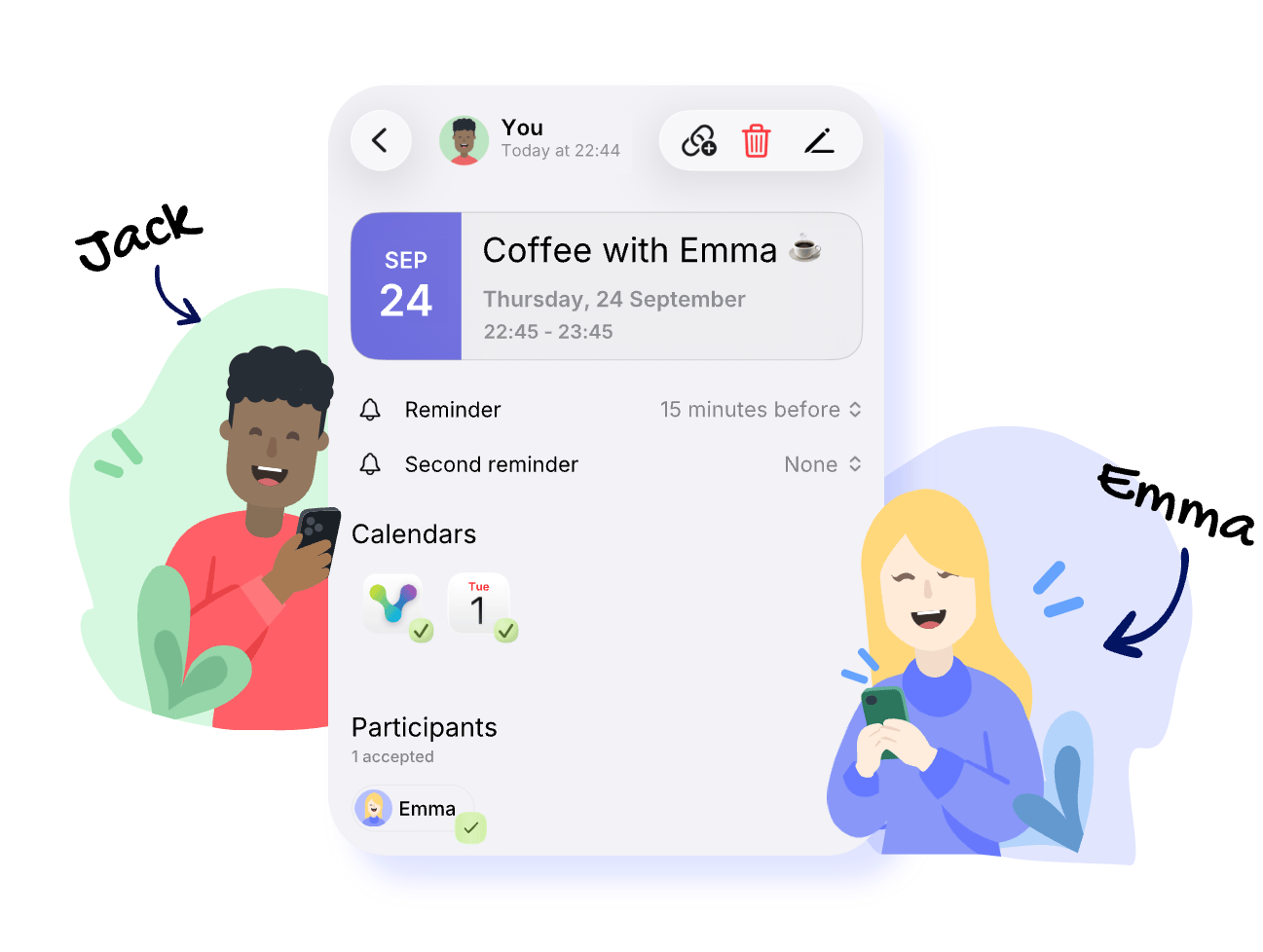
Keep your schedule in view, find a time that works, and invite friends and family—all in one place.


Free for iPhone and Android.
Invite. Accept. Plan something together.
Create an event and invite friends or family. They accept — and your next meetup is on the calendar.
Your week at a glance. Your calendars together.
Keep your own events and shared plans in view. Connect your existing calendars and decide which ones to show, and where new events are saved.
Invite. See replies. Know where you stand.
Invite people via your phone contacts or a link. See who said yes and whose replies are still outstanding.
Guests can accept even without the app.
Find a time that works.
Suggest several times and let the others vote. Turn the chosen time into an event right away.
Plans change. You stay on top of it.
Changes, replies, and comments stay with the event. So you can see what changed and what still needs sorting out.
What are you up to next?
Get VerbinderApp and plan your next meetup.
Free for iPhone and Android.
Need help getting started? To the guide.
Frequently asked questions
Can I use VerbinderApp just for myself?
Yes. You can use VerbinderApp as a personal calendar, manage your own events, and connect the calendars you already use. When you want to plan something together, you can invite others.
Do the people I invite also need VerbinderApp?
No. You can share an invitation link. Guests open it in the browser, enter their name, and accept. After that they can download the event as a calendar file and add it to their calendar.
Do I have to create a shared calendar?
No. You can invite people to individual events without setting up a shared calendar.
Is VerbinderApp free?
Yes. You can currently download and use VerbinderApp for free.
What is VerbinderApp?
VerbinderApp is your calendar for plans you make together. Keep your own events in view, find a time that works, send invitations, and see who’s in — on iPhone and Android.
How does VerbinderApp work?
Create an event or a time poll and invite people from your contacts or with a link. They accept — and the plan is in the VerbinderApp calendar. You can also connect the calendars you already use.
What happens when an event changes?
In VerbinderApp, changes, replies, and comments stay with the event. If a guest downloaded a calendar file, that file is a snapshot. It is not updated automatically when the event later changes.
Why do I need my phone number?
You register in the app with your phone number. That’s how you invite contacts. Guests who open an invitation link in the browser do not need a VerbinderApp account.
Who can see my events?
People you invite can see that event’s details, who’s taking part, and the replies. Your display name and phone number can be visible to people you invite or who invite you. Events you don’t invite anyone to are not shared with others.
Is my data secure?
Your privacy matters. How VerbinderApp handles your data is explained in the Privacy Policy.
How do I delete my account?
Open Settings → Account settings → Delete account. You’ll be asked to confirm before the deletion is completed.
How can I report abuse or block a contact?
You can block any contact directly in the app. Once blocked, that person cannot send you invitations or messages. If you run into abuse, you can also report it through Support & Feedback.
How can I send feedback or get support?
Use Support & Feedback in the app to share suggestions, report a problem, or ask for help. You can attach screenshots — the message goes to the support team, who reply by email.
Can I use VerbinderApp for commercial purposes?
VerbinderApp is made for personal and small-group planning, not large-scale commercial use. The aim is everyday coordination between friends, families, and teams.
